Cozy Tiles – Relaxing Picture Puzzle
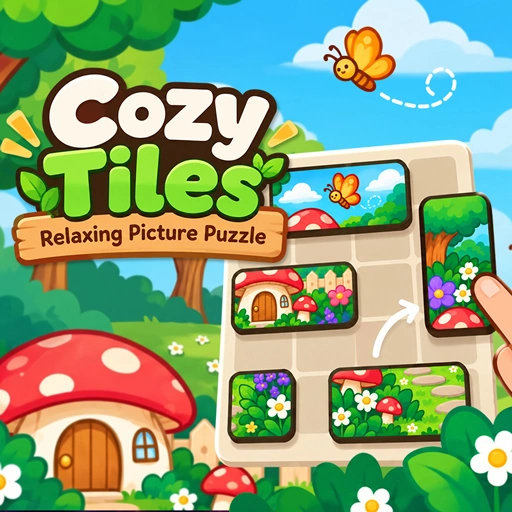
Cozy Tiles – Relaxing Picture Puzzle
What is Cozy Tiles – Relaxing Picture Puzzle?
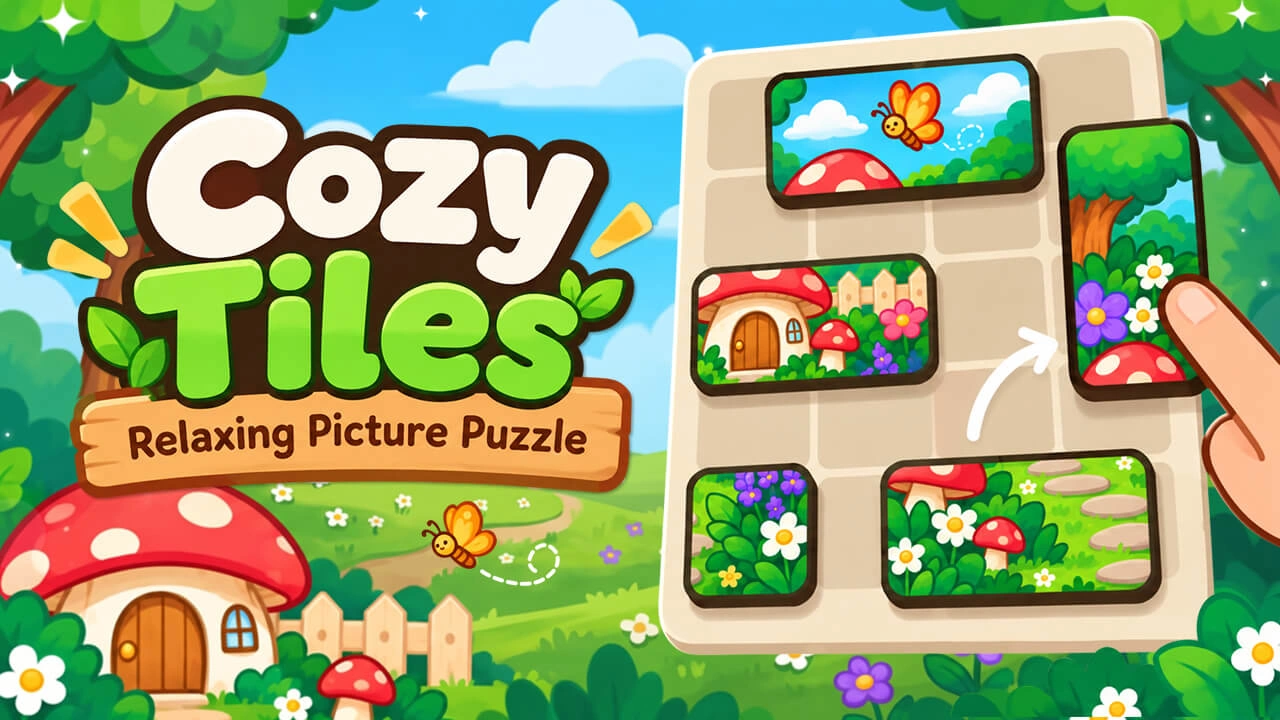
Relax with Cozy Tiles, a free picture puzzle. Drag tiles into place to complete 100 charming pictures across 10 chapters. Play in your browser, no download.
How to play Cozy Tiles – Relaxing Picture Puzzle?
1. Drag a tile to move it. It snaps to the grid where you let go. 2. Place tiles next to each other the way they fit in the picture — correct neighbours join into one piece that moves together. 3. Join every tile into the complete picture to finish the level. Touch Drag a tile, release to drop it. Mouse Click and drag a tile, release to drop it.
Our related categories!
No Downloads - Just Click and Play!
You can playing Cozy Tiles – Relaxing Picture Puzzle game without install, downloads, login, popups or other distractions. All you need to do is just click PLAY NOW begin playing it!
Who Developed Cozy Tiles – Relaxing Picture Puzzle?
Cozy Tiles – Relaxing Picture Puzzle was created by Cutedressup.
Support device?
Our website is the leading platform can be played Cozy Tiles – Relaxing Picture Puzzle online games on desktop mobile devices. That includes everything from desktop PCs, laptops, and Chromebooks, to the latest smartphones and tablets from Apple and Android.